Why Public Wi-Fi is Dangerous for Travelers in 2026 (And How to Stay Safe)
Published: 15 Dec 2025
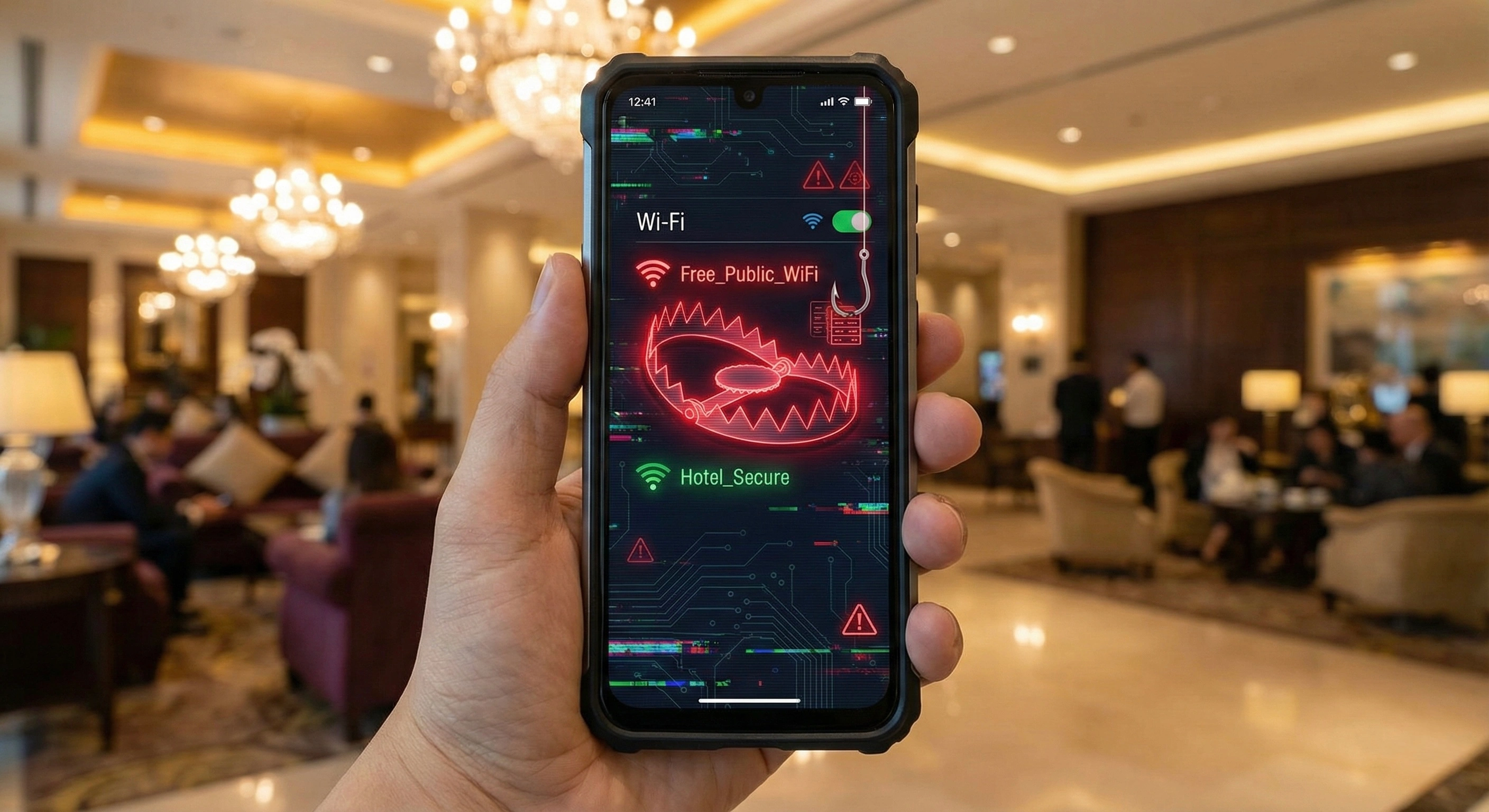
Why Public Wi-Fi is Dangerous for Travelers in 2026 (And How to Stay Safe)
The holiday season is here. Bags are packed, flights are booked, and excitement is in the air. For most travelers, the first instinct upon arriving at an airport or checking into a hotel is to find a free Wi-Fi connection to message family or check social media.
However, that convenient free connection could be a trap. As we head into 2026, public Wi-Fi networks remain one of the biggest threats to personal cybersecurity. In this guide, we will explain why connecting to hotel or cafe Wi-Fi can be risky and how to secure your digital life while abroad.
The Hidden Dangers of Free Wi-Fi The main issue with public networks—whether in a coffee shop, an airport lounge, or a hotel lobby—is the lack of encryption.
Imagine sitting in a crowded room and shouting your credit card number out loud. Anyone nearby could hear it. Using public Wi-Fi works similarly: your data is transmitted through the air, often unencrypted. Without protection, savvy cybercriminals can easily intercept this information.
Common Hacker Tactics:
- Man-in-the-Middle Attacks: A hacker connects to the same network as you and positions themselves between your device and the router. They can intercept emails, credit card details, and login credentials in real-time.
- The "Evil Twin" Networks: You see a network named "Free_Airport_WiFi" and connect immediately. But this network wasn't set up by the airport; it was created by a hacker sitting nearby using a laptop hotspot. Once you connect, they have full access to your traffic.
- Session Hijacking: Criminals can steal "session cookies" from your browser, allowing them to log into your Facebook, Amazon, or email accounts as if they were you—without even needing your password.
The Solution: A Digital Bodyguard You don't have to stay offline to stay safe. The most effective way to use any public network securely is by using a VPN (Virtual Private Network).
When you activate UhuruVPN, it creates an encrypted tunnel for your data. Even if a hacker intercepts your connection, all they will see is scrambled code that is impossible to read. It turns a vulnerable public connection into a private, secure line.
Travel Safety Checklist:
- Avoid Banking on Public Wi-Fi: Never open your banking app on a hotel network unless your VPN is active.
- Turn Off Auto-Connect: Go to your phone settings and ensure it doesn't automatically join open networks.
- Connect, Then Protect: Make it a habit to switch on UhuruVPN the moment you connect to Wi-Fi. It takes one second and provides military-grade protection.
Vacations are for relaxing, not worrying about identity theft. Don't let digital pickpockets ruin your holiday. By using a secure VPN, you ensure that your photos, messages, and finances stay private, no matter where in the world you are.
Facing internet censorship?
Bypass any restrictions and secure your data with fast Uhuru VPN. Try it for free right now.
Create an account