How to Play Roblox at School or Work in 2026 | UhuruVPN
Published: 12 Dec 2025
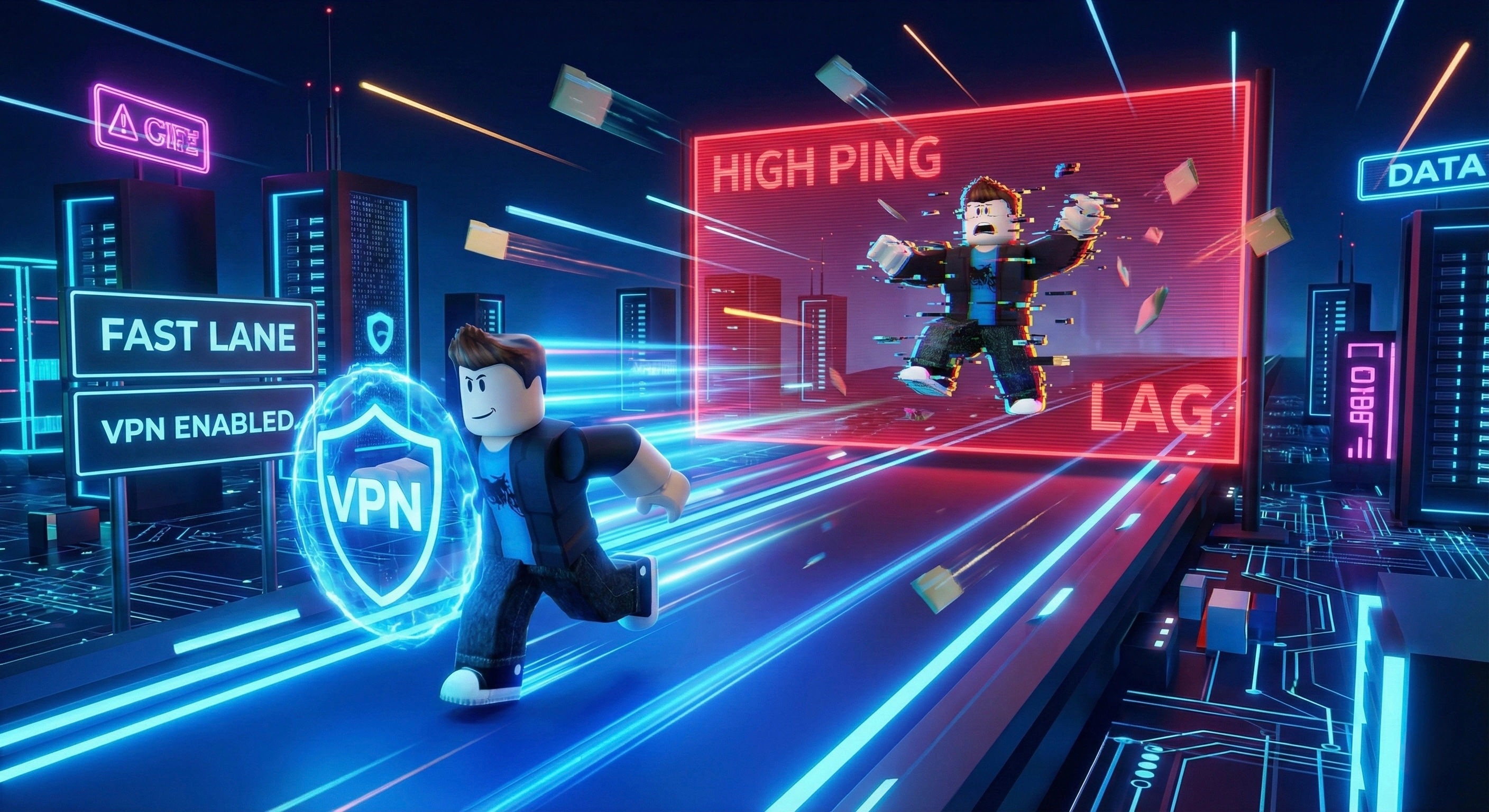
How to Unblock Roblox at School or Work in 2026: Play Without Restrictions
You have a break between classes or some free time at work, and you decide to log in to Roblox to check on your progress or join friends. But instead of the game loading, you are greeted with a connection error or a message stating that the website is restricted.
This is a frustrating scenario for millions of players worldwide. Schools, universities, and workplaces often configure their local networks to block gaming platforms to save bandwidth or keep students focused.
However, these restrictions are easy to bypass if you have the right tools. In this guide, we will explain how network blocking works and how you can get back into the game in less than two minutes using a secure connection.
Why is Roblox Blocked on My Network?
When you connect to the Wi-Fi at your school or office, you are not connecting directly to the open internet. You are passing through a local firewall managed by a network administrator.
This firewall acts as a gatekeeper. It checks every website or app you try to open. If it sees a request going to Roblox servers (or Discord, Steam, etc.), it automatically drops the connection. To bypass this, you need to hide your online activity from the firewall.
The Solution: Using a High-Speed VPN
The most effective way to unblock Roblox is to use a VPN (Virtual Private Network). A VPN creates an encrypted "tunnel" between your device and the internet.
When you use a service like UhuruVPN, your traffic is encrypted before it leaves your device. The school firewall cannot see that you are accessing Roblox; it only sees unintelligible data. Since the firewall doesn't know what you are doing, it lets the connection through.
Here is why this is the best method:
1. It works on any network: Whether it’s a strict university campus or a corporate office, encryption allows you to bypass filters.
2. Low Ping for Gaming: Unlike web proxies, which are slow and laggy, a premium VPN is optimized for speed. This means your character won't freeze in the middle of an obby.
3. Privacy: Network administrators can usually see exactly what websites you visit. With a VPN, your browsing history remains private and invisible to them.
Why Free Proxies and "Free VPNs" Don't Work
Students often try to use free web proxies or random free VPN apps found in the app store. This is usually a mistake for several reasons:
- Lag and Latency: Free services overload their servers with too many users. Roblox requires a stable connection, and free tools often cause high ping or disconnections.
- Blocked IPs: School admins are aware of popular free proxy sites and actively block their IP addresses.
- Security Risks: Free services often collect and sell user data to third parties.
How to Get Started
You don't need to be a tech expert to bypass restrictions. The process is simple: you need a reliable VPN app installed on your phone or laptop.
Once installed, simply select a server location close to you (to ensure the best speed) and click connect. Once the secure connection is established, the local firewall can no longer restrict your access. You can open Roblox and play as if you were on your home network.
Don't let local network rules dictate how you spend your free time. Reclaim your access to the internet.
Facing internet censorship?
Bypass any restrictions and secure your data with fast Uhuru VPN. Try it for free right now.
Create an account